



Article Contents
General Information
The Plugin Settings window contains global preferences that affect most EasyKitchen tools and libraries.

Settings List
Interface Language – Choose one of the 15 available interface languages:
- RU — Русский
- EN — English
- UK — Українська
- KK — Қазақ тілі
- PL — Polski
- DE — Deutsch
- FR — Français
- ES — Español
- IT — Italiano
- TR — Türkçe
- PT — Português
- RO — Română
- LT — Lietuvių
- LV — Latviešu
- CZ — Čeština
The selected language is applied to all EasyKitchen tools as well as to the names of library folders and components.
Interface Theme – Choose one of three available themes:
- Light — light gray and white colors.
- Dark — black and dark gray colors.
- Classic — uses the traditional SketchUp window colors.
Field Layout – This setting affects the Parameters Window.
Choose whether parameter labels are displayed:
- above each field, or
- to the left of each field.
Library Locations – Specify the paths to your installed EasyKitchen libraries. By default, these paths are set during plugin installation. If you move your libraries to another location, update the paths here. These paths determine which libraries are displayed in the Component Library tool.
Custom Library – You can specify an additional folder containing your own component library. Once configured, this library appears as a separate tab in the Component Library.
After changing any settings, click Save to apply them.
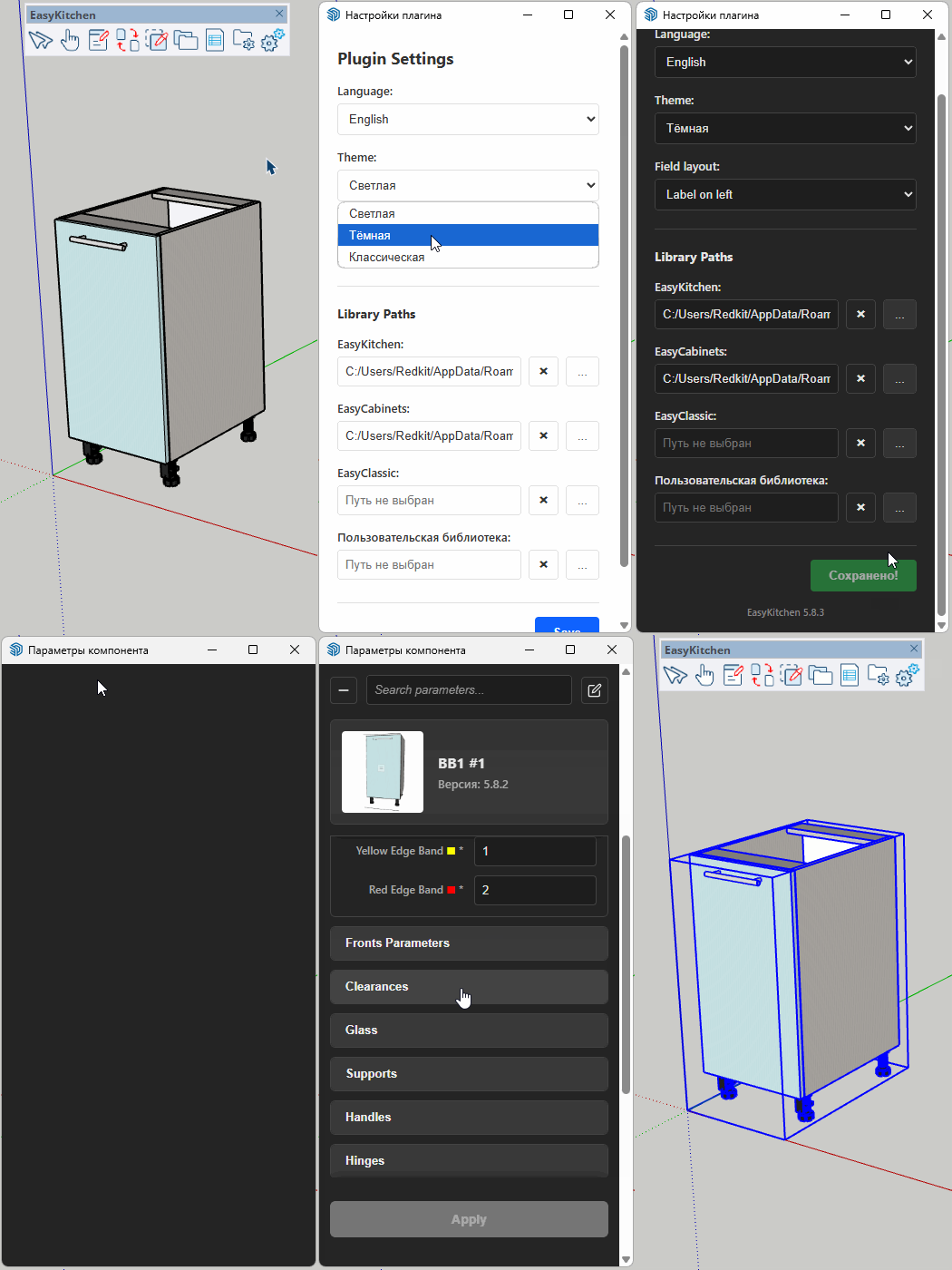
The current EasyKitchen plugin version is displayed at the bottom of the Settings window.