

Article Contents
General Information
Deep Selection is the first tool on the EasyKitchen toolbar.
It allows you to select components located inside other components without opening them for editing. This makes it easy to access and modify individual elements without entering the component by double-clicking in SketchUp.

How It Works
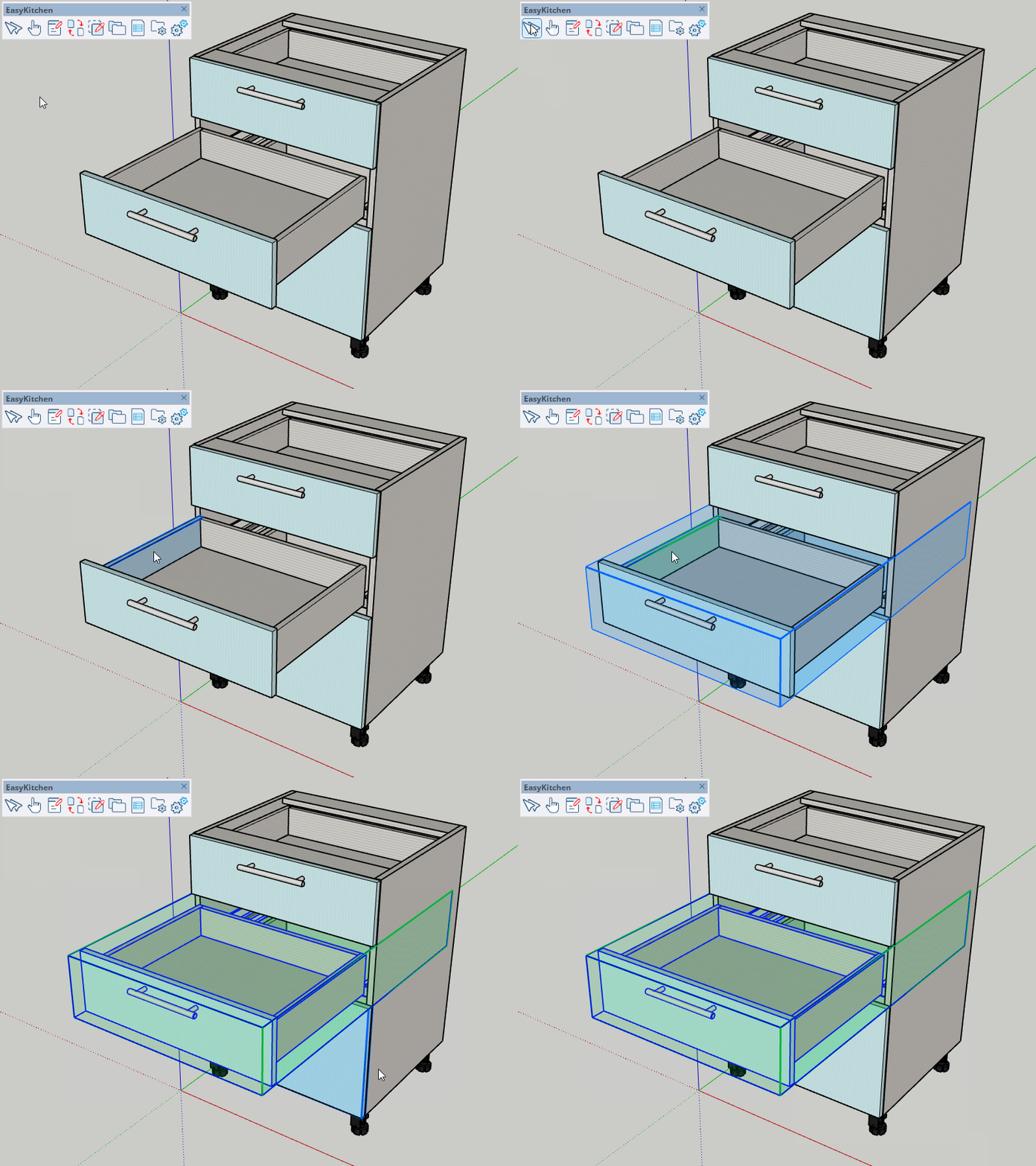
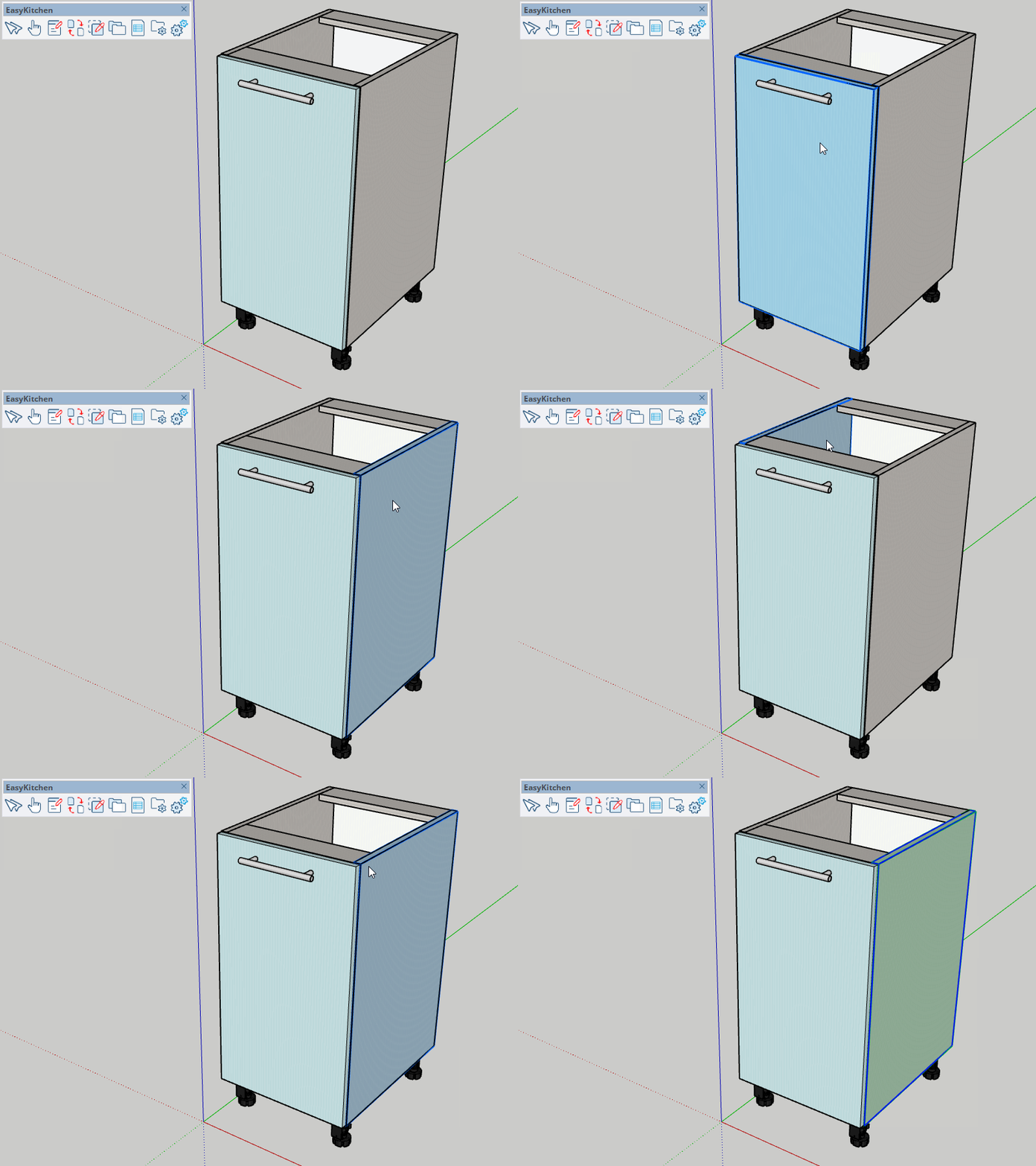
Activate the Deep Selection tool and move the cursor over the module that contains the component you want to select.
Components that can be selected are highlighted in blue as you move the cursor over them.
Click the left mouse button to select the highlighted component.
The selected component is then highlighted in green, indicating that it is active and ready for editing.
Selecting Multiple Components
The tool supports selecting multiple components simultaneously.
Hold Shift or Ctrl while clicking additional components to add them to the selection.
To remove a component from the current selection, hold Shift or Ctrl and click that component again.
Since the Component Parameters window supports editing multiple selected components at once, this feature is particularly useful for making batch changes.
Navigating the Component Hierarchy
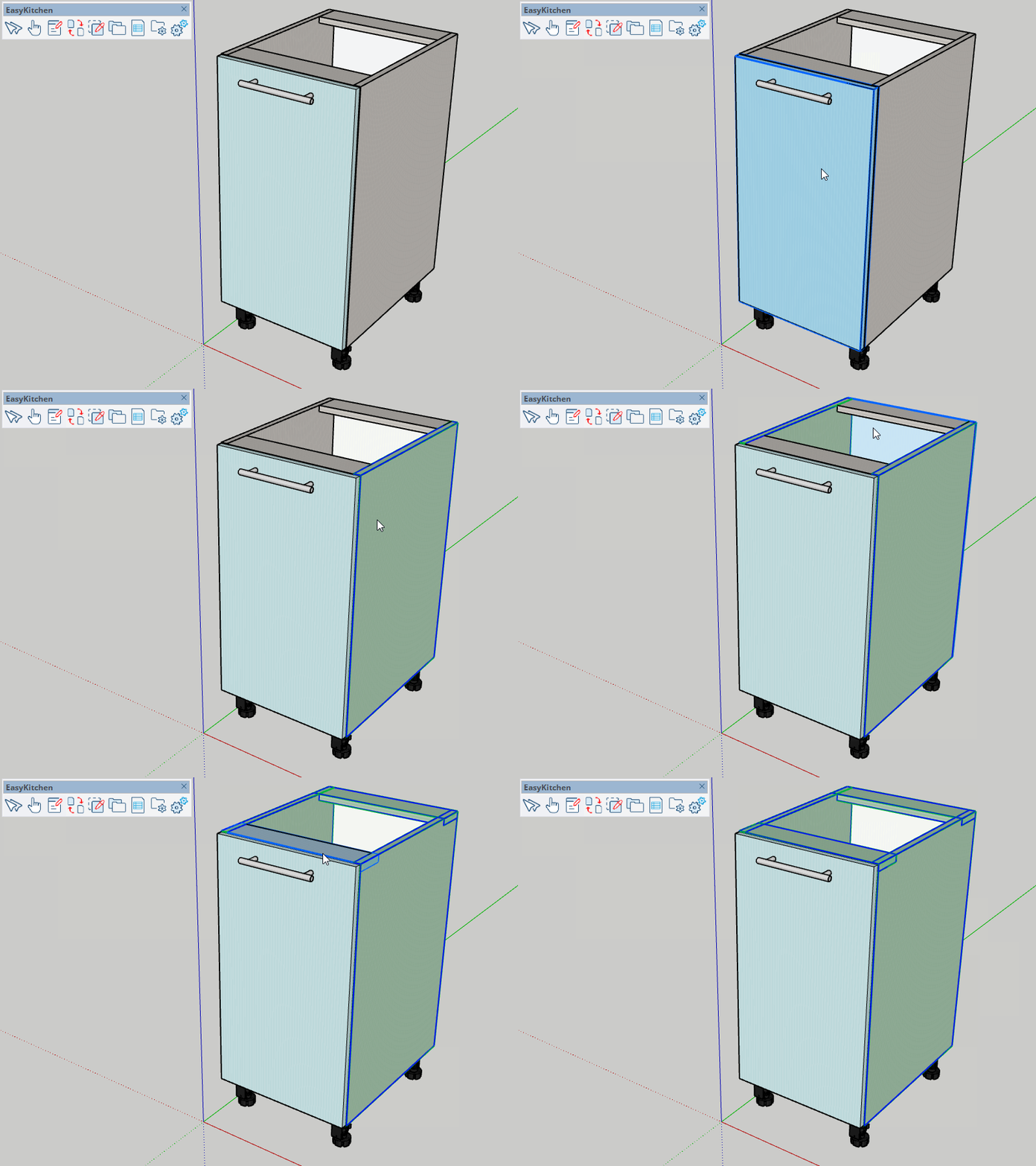
Sometimes you need to edit the parameters of a parent component rather than one of its nested components.
When you click with the Deep Selection tool, it always selects the deepest component under the cursor.
After selecting a nested component, press Tab or use the Up and Down arrow keys to move through the component hierarchy.
- Up Arrow selects the parent component.
- Down Arrow returns to the previously selected child component.
This allows you to quickly access the parameters of any component in the hierarchy without opening and closing nested components manually.