

Article Contents
General Information
The Interact tool allows you to interact with EasyKitchen dynamic components.

For example, you can open cabinet doors, pull out drawers, or change the texture direction of cabinet panels.
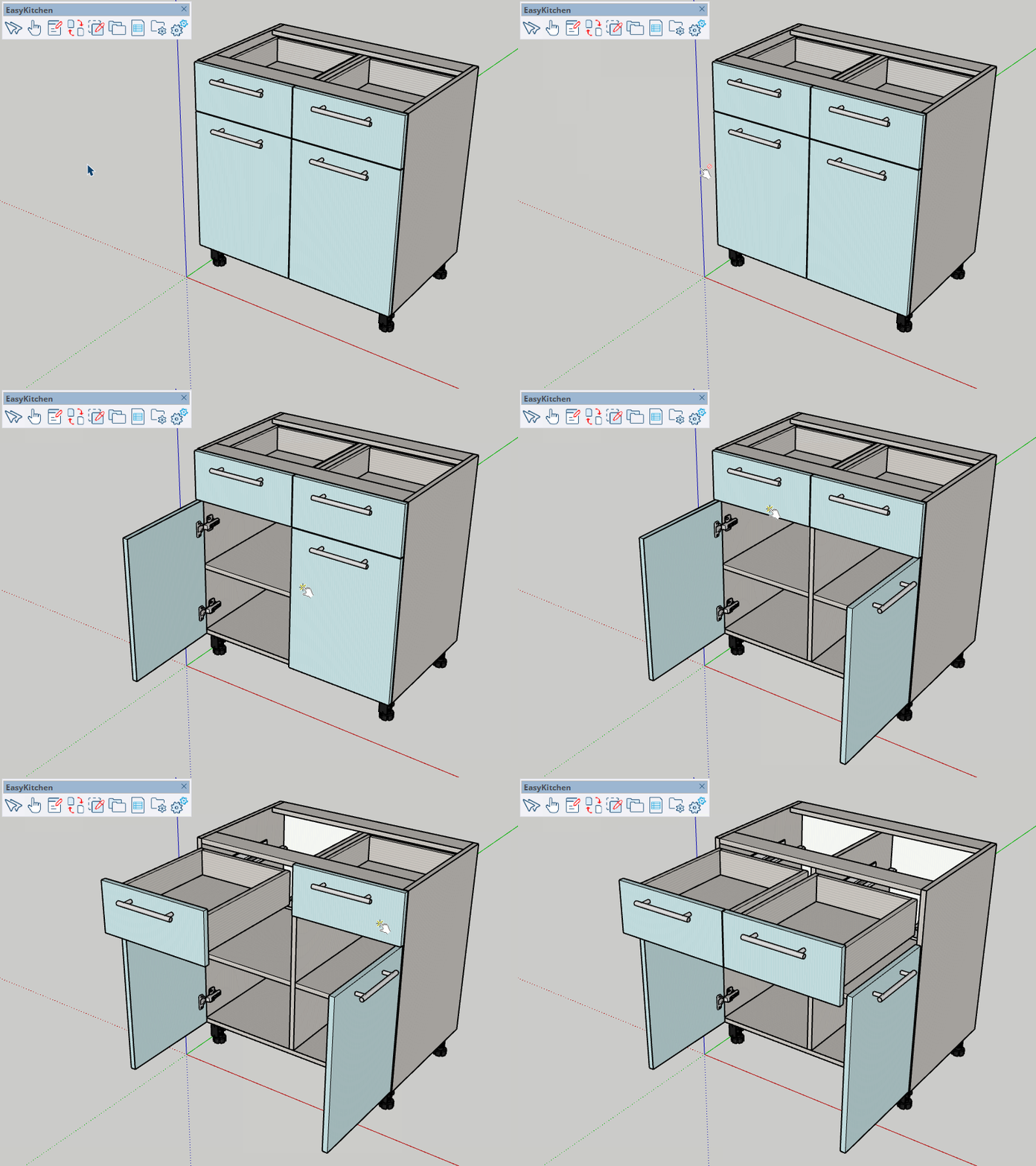
This tool is also used to open a component's dynamic menu. Simply activate the tool and click the component you want to interact with.
What Can This Tool Be Used For?
Many EasyKitchen components support interactive actions. Here are just a few examples of what you can do with this tool:
- Change the profile color of aluminum frame doors.
- Switch between different Gola profile cuts, end caps, and corner types.
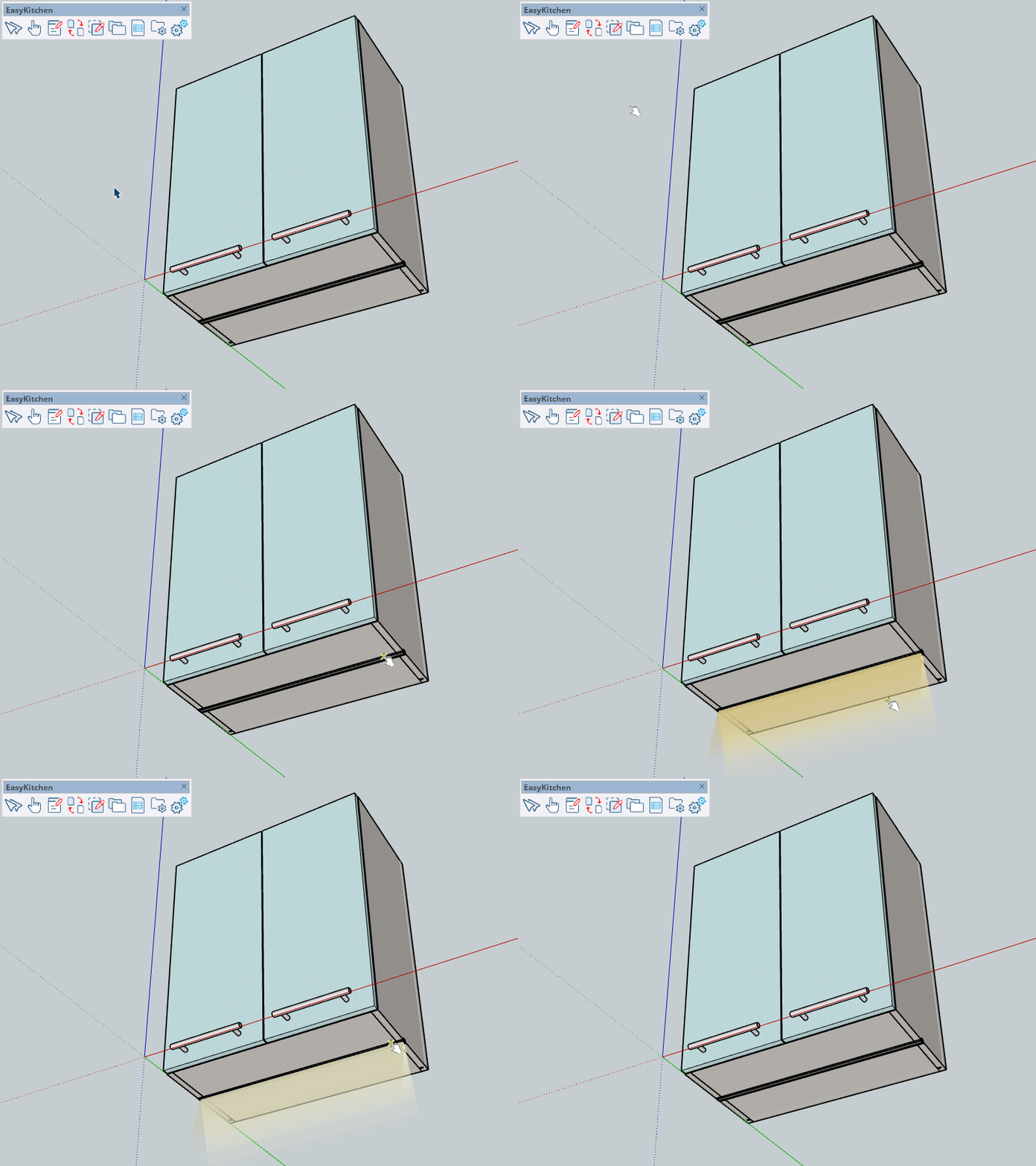
- Turn integrated lighting on or off and adjust its color temperature.
- Enable and switch between clip types for plastic kitchen legs.
- Extend dish rack trays.
- Extend pop-up power outlets.
- Change the order of clothes hangers on a wardrobe rail.
- Switch the color of bracket end caps.
- Animate wardrobe lift mechanisms (pantographs).
- Add or remove shelves.
- Extend trouser racks and wire baskets.